
Chained Beasts Remote Play: Guest Input Troubleshooting
Diagnose a Remote Play Together guest who sees Chained Beasts but cannot move, using official device and sharing checks rather than unverified fixes.
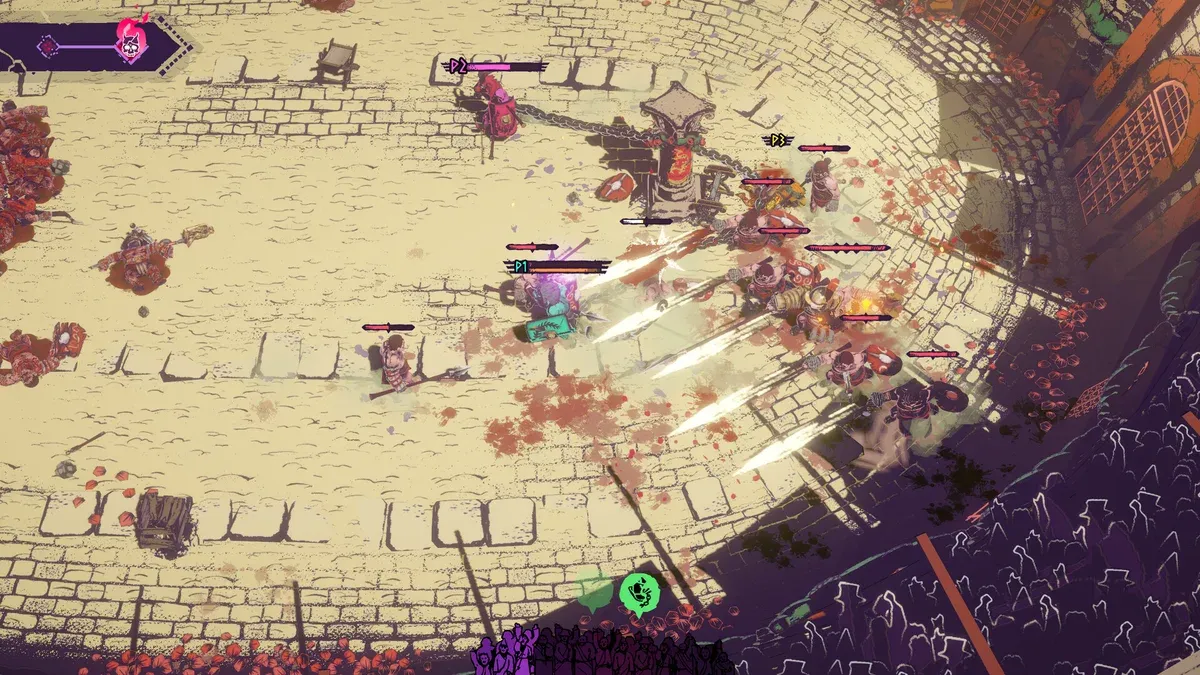
Why can the stream work while the guest cannot move?
Receiving video and sending usable input are different parts of a streamed session. A clear picture shows that at least part of the connection works; it does not establish that the guest’s controller is recognized, that shared input is permitted or that the game has assigned it to a player.
First confirm that the session is Steam Remote Play Together rather than native online co-op. Valve’s sharing controls apply to the streamed local session. They should not be offered as instructions for a console cross-play lobby or a native connection that fails before the player joins.
| Symptom | Check this stage |
|---|---|
| No invitation or connection | Steam session setup and the supported product |
| Picture arrives, no controller response | Guest-side detection, then game assignment |
| Keyboard/mouse has no effect | Host’s shared-input permissions |
| Several people control the same action | Shared controls and the actual local-player arrangement |
| Only this game fails | Preserve the game-specific evidence rather than assume every stream is broken |
What should the guest check first?
Valve’s Remote Play help says that if no streamed game recognizes a controller, check whether the client computer’s Big Picture controller settings recognize it. The published terminology may differ from the current Steam interface, but the diagnostic question is the same: does the receiving device recognize the controller before the game is blamed?
Record the model and connection method. Test recognition before adding a remapping application. Steam Input’s broader device support and Remote Play’s limitations are not identical: Valve’s streaming help excludes non-gamepad DirectInput devices such as wheels or flight controllers and notes limitations around some raw-input games.
For a controller failing locally as well, start with the general controller diagnostic guide. A streaming permission cannot fix a device the client does not detect.
What should the host check?
Steam’s overview says the host can manage guests’ access to shared keyboard and mouse input. Review those controls for the intended person. Then use the game’s current local-player prompts to confirm that a distinct character can receive that input.
Chained Beasts says at least one gamepad is required for same-screen co-op. Neither that statement nor Valve’s shared-keyboard support proves that multiple remote keyboards become independent player slots. Avoid promising a precise device combination until it has explicit game-specific evidence.
Keep unused input devices and mapping layers out of the initial test. If one configuration works, preserve it before adding another guest. This is a way to isolate a variable, not a guaranteed repair or a claim about a universal controller order.
What if the picture is black or the stream itself fails?
That is a different diagnostic branch. Valve’s help distinguishes failures in one game from all-game streaming failures and discusses general tests such as driver updates and host encoding/client decoding options. We have not applied those settings in a live Chained Beasts session, so this guide does not present them as proven game fixes.
Return to the Remote Play setup guide and the official help before experimenting. Record original settings, change one reversible option and compare the same symptom. Do not turn off unrelated security controls or install unknown software because an unverified forum reply recommends it.
What evidence makes a useful report?
Include the host and guest platforms, game version, device model, connection method, whether the guest receives video, whether the controller is recognized by the client and which local-player assignment fails. A short description of the first failing stage is more useful than “Remote Play is broken.”
An unanswered player report establishes that someone experienced a problem; it does not establish the cause, prevalence or a successful fix. Our editorial policy keeps that distinction separate from official platform guidance.
Sources and verification
Sources reviewed October 15, 2026. Official statements, historical details and platform guidance are identified in the relevant sections. This article is source-based; no hands-on game test is claimed.
- Steam Remote Play help and troubleshooting
- Steam input-sharing description
- Game input requirements
- Unresolved PC-host community report
See our editorial policy for evidence standards and corrections.
Related Articles
co-op
Chained Beasts Chain Tactics: Move and Fight as a Team
Coordinate movement, avoid tangling around obstacles and use your chain deliberately with these practical Chained Beasts co-op principles.
co-op
Chained Beasts Cross-play and Platforms: Confirmed Details
Check the official Chained Beasts platforms, cross-play announcement and the limits of what has been confirmed about shared progress.
co-op
Chained Beasts Local Co-op and Remote Play Together
Set expectations for Chained Beasts couch co-op, controllers and Steam Remote Play Together without assuming unverified mixed-session support.
Was this helpful?
Thanks for the feedback!