
Chained Beasts Remote Play Together Setup
Set up Steam Remote Play Together for Chained Beasts with official host, guest and input-sharing steps, separate from native online co-op.
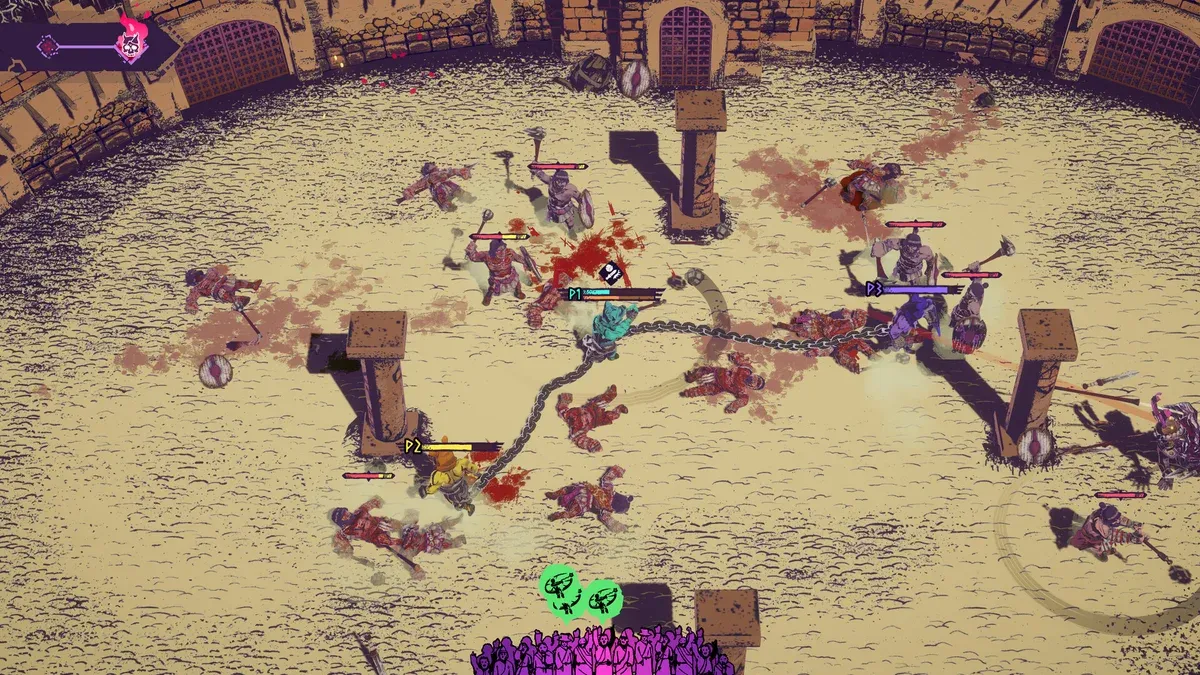
What kind of session does Remote Play Together create?
Steam streams a supported local multiplayer game from the host’s computer while guests send input back. The game still runs on the host. This is different from several players each running the game and joining its native online lobby.
Chained Beasts lists both Remote Play Together and native online co-op. Choose the method before troubleshooting, because an invitation, an input permission or a connection test can mean different things in each setup. The multiplayer overview explains the party-size and mode distinctions.
| Question | Steam Remote Play Together |
|---|---|
| Where does the game run? | On the host’s computer |
| Must the guest own or launch the game? | Steam’s help says no |
| What is shared? | The supported local game session, streamed to guests |
| Is it console cross-play? | No; a Steam streaming feature does not establish a console pairing |
| Are remote keyboards independent player slots? | Not established by the shared-keyboard support statement |
How does the host invite a friend?
Valve’s published Remote Play help provides the following basic workflow. These are Steam steps for a supported game, not a claim that we performed a successful live Chained Beasts streaming test.
- Launch the supported game on the host computer.
- Make sure the friend is signed into Steam on a supported device.
- Open the Steam overlay with Shift+Tab.
- Right-click the friend and choose Remote Play Together.
- Once connected, check the session’s input permissions and the game’s own local-player prompts.
If the invitation option is missing, first confirm that you are using the intended Steam product and session method. The official listing’s support label is the product evidence; an old Demo or a native in-game invite may not present the same workflow.
What does each guest need to control a character?
Steam describes guests using their own controllers or sharing control of the keyboard and mouse. The host can manage access to shared keyboard/mouse input. Shared access does not mean that every remote keyboard becomes a separate local player.
The Chained Beasts listing additionally says at least one gamepad is required for same-screen co-op. Test the actual local-player assignment rather than inventing a keyboard/controller slot matrix. For a guest who receives the picture but cannot act, use the Remote Play input checks.
How should you test the session before a serious run?
Start with a simple arrangement: confirm the game runs on the host, connect one guest, check the streamed picture, and verify that the intended controls reach the game. Only then add more players. This sequence is a general diagnostic recommendation; it is not a workaround proven to fix a particular reported game bug.
Record whether the failure occurs at invitation, connection, picture delivery, device recognition or local-player assignment. Valve’s help distinguishes game-specific problems from failures that affect every streamed game. That distinction is useful evidence before changing several host and client settings together.
When should you use native online co-op instead?
Decide based on the supported configuration you can actually arrange. Native online play runs through the game’s own online session options; Remote Play streams a local session. Do not carry Steam’s guest-ownership rule into native multiplayer or use a successful Remote Play session as proof of Steam-to-console matchmaking.
Consult cross-play and platform distinctions and local co-op preparation for those separate questions. This guide does not verify mixed local-plus-native-online combinations, every client device, streaming latency or platform-specific controller layouts.
Sources and verification
Sources reviewed October 15, 2026. Official statements, historical details and platform guidance are identified in the relevant sections. This article is source-based; no hands-on game test is claimed.
- Chained Beasts Steam feature listing
- Steam Remote Play official help
- Steam Remote Play Together overview
See our editorial policy for evidence standards and corrections.
Related Articles
co-op
Chained Beasts Chain Tactics: Move and Fight as a Team
Coordinate movement, avoid tangling around obstacles and use your chain deliberately with these practical Chained Beasts co-op principles.
co-op
Chained Beasts Cross-play and Platforms: Confirmed Details
Check the official Chained Beasts platforms, cross-play announcement and the limits of what has been confirmed about shared progress.
co-op
Chained Beasts Local Co-op and Remote Play Together
Set expectations for Chained Beasts couch co-op, controllers and Steam Remote Play Together without assuming unverified mixed-session support.
Was this helpful?
Thanks for the feedback!