
Chained Beasts on Mac: System Requirements and Co-op
The official macOS requirements for Chained Beasts, including Apple M1 and Intel examples, plus limits of the available compatibility and co-op evidence.
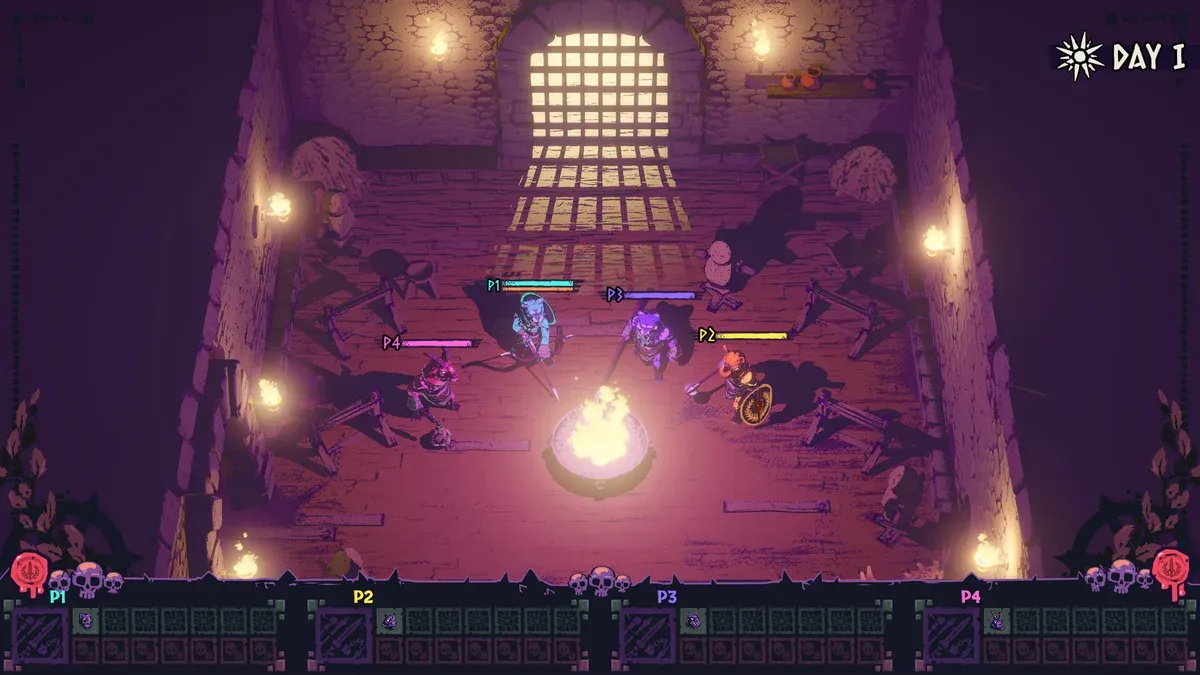
Is Chained Beasts listed for macOS?
Yes. The main Steam product has a macOS requirements section. Use that listing when checking the full game rather than assuming a Windows guide’s requirements apply to a Mac. The table below records the minimum examples shown by the official source, checked before the announced full-game unlock.
| Component | Official macOS minimum |
|---|---|
| Operating system | macOS 11 |
| Processor | Apple M1 or Intel i7-8850H |
| Memory | 8 GB RAM |
| Graphics | Apple M1 or Radeon Pro 560X |
These entries include Apple and Intel examples. They do not certify every Mac with a similar product name, every translation layer or a specific graphics preset. The inspected source did not supply a detailed recommended macOS configuration or an FPS target.
Does “Apple M1” mean every newer Mac is officially benchmarked?
The requirement names a baseline component; it does not provide performance measurements for each later model. Check your actual processor, available memory and operating-system version against the current product listing. We do not infer a frame rate or native architecture claim that the source does not state.
For the Windows comparison, see PC requirements. For historical product differences, see Demo versus full game. Running an older Mac Demo successfully is a useful personal observation, but it is not a full-release benchmark.
Can Mac and Windows players cooperate?
Steam advertises online co-op and cross-platform multiplayer for the product. We also found a June community report about Windows/Mac joining in which the original player later said the problem was fixed. That is a version-specific success report, not a complete platform compatibility matrix or a repair instruction.
When arranging a party, record both installed versions and the connection method. The original report does not establish a universal current failure or a universal fix. Follow the multiplayer preparation guide and keep cross-play, Steam Cloud and cross-save separate.
What should you check before troubleshooting a Mac session?
First establish that the host can run the intended game locally. Then identify whether the problem is launching, receiving an invite, joining a lobby or controlling a character. A streaming guest’s input problem is different from native Windows/Mac online matchmaking.
For a Steam streamed session, the Remote Play setup guide describes the platform’s own workflow. Do not use a Remote Play requirement as evidence for native console cross-play. If reporting a Mac-specific issue, include the macOS version, chip or processor model, game version, input device and the exact stage that fails.
Sources and verification
Sources reviewed October 15, 2026. Official statements, historical details and platform guidance are identified in the relevant sections. This article is source-based; no hands-on game test is claimed.
See our editorial policy for evidence standards and corrections.
Related Articles
co-op
Chained Beasts Chain Tactics: Move and Fight as a Team
Coordinate movement, avoid tangling around obstacles and use your chain deliberately with these practical Chained Beasts co-op principles.
co-op
Chained Beasts Cross-play and Platforms: Confirmed Details
Check the official Chained Beasts platforms, cross-play announcement and the limits of what has been confirmed about shared progress.
co-op
Chained Beasts Local Co-op and Remote Play Together
Set expectations for Chained Beasts couch co-op, controllers and Steam Remote Play Together without assuming unverified mixed-session support.
Was this helpful?
Thanks for the feedback!